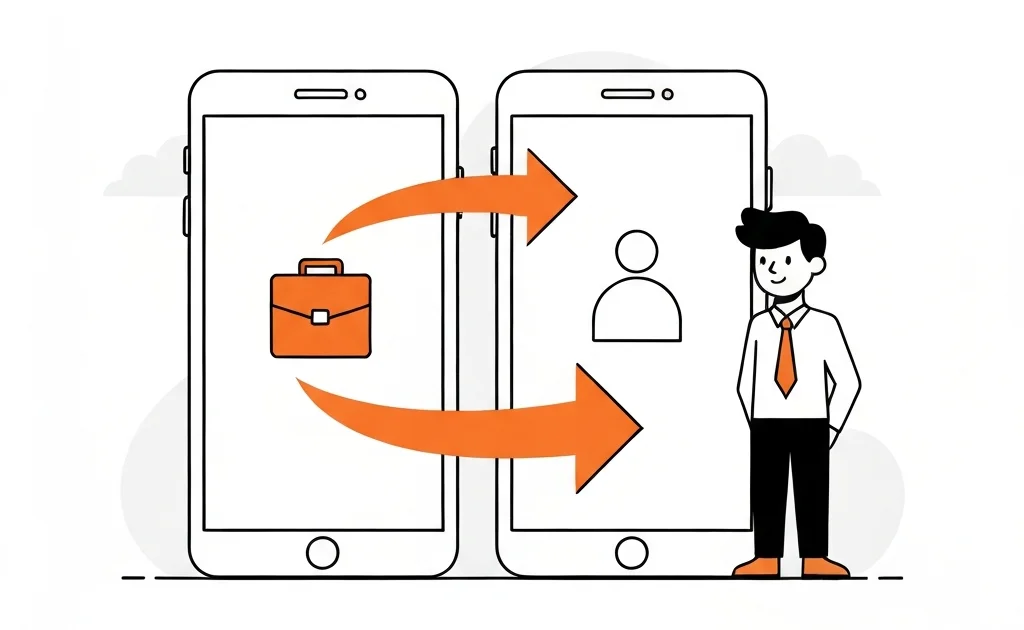
Convert TikTok Business Account to Personal (2026 Guide)
Creator Rewards requires a personal account. If you’re on a business account, you’ll need to switch before applying. This guide shows the steps, what you’ll lose, and how to protect your content performance.
- Business accounts are not eligible for Creator Rewards.
- Switching takes under a minute and is reversible.
- You may lose some music options and analytics features.
Deliverable summary
Purpose: Help creators switch account types safely to qualify for Creator Rewards.
Target Keywords: convert TikTok business account to personal, TikTok business vs personal 2026.
User Intent: Complete the switch and avoid losing content performance.
Success Metrics: Reduced rejections, higher application success rate.
Next Steps: Switch account type, post 1+ minute content, then apply.
Step-by-step: switch to personal
- Open TikTok and go to Profile.
- Tap the menu (≡) → Settings and privacy.
- Go to Account → Switch to Personal Account.
- Confirm the switch.
That’s it. You can switch back later if needed.
What changes after the switch
You may notice:
- Fewer commercial music tracks
- Slightly different analytics options
- Access to Creator Rewards tools (once eligible)
Switching to personal is required for Creator Rewards, but it can remove some business-only music.
Best practices after switching
- Post 2–3 new 1+ minute videos.
- Track your qualified view rate for a week.
- Avoid switching back until after approval.
Get the free TikTok Earnings Tracker
Track views, RPM, qualified views, and earnings in one clean sheet.
Switch to personal, post three 1+ minute videos, then apply for Creator Rewards.


